
First step would be to make sure that the customer has already checked all cables, unplugged and replugged them, verified the ethernet connection, and checked the timing system loop.
Second, politely ask the customer to reset the decoder and the loop.
If that does not work, ask the customer for the IP address of the decoder.
Open CMD on the computer and type ping followed by the IP address the customer provided.
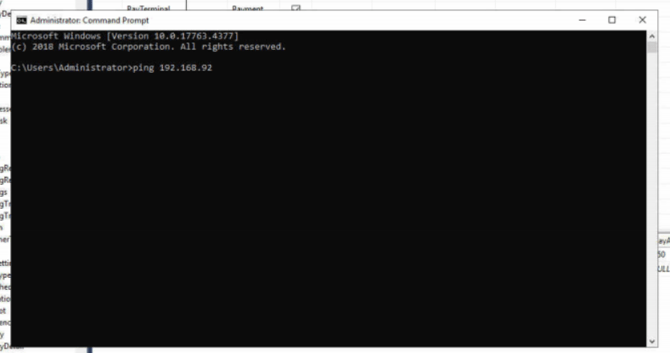
If NO, the IP address is not pingable, most likely the decoder is not properly plugged into power or the ethernet cable. Have the customer check all cables.
If it pings, tell the customer to test a race. If it works, you are done. If not, continue with the troubleshooting.
If YES, it is pingable. Continue with the next step of the troubleshooting.
Can you see kart passings from the loop?
// This step will confirm if the timing loop is communicating with the decoder. This will require the customer to run a test race while you or they watch for the passings.
MyLaps / AMB: On the LCD screen of the decoder, have the customer confirm that the forward slash is flashing when karts cross the timing loop and that the SF number is below 60.
(If the SF is over 60, there is electrical interference coming from another high-powered device. Find this device and shut it off or move it.)
- X2 (With Server): Setup Guide
- X3 (Older): Troubleshooting Guide
Open the SQL Database, go to ClubspeedV8, and search for DBO.timercontrols. Check if the IP address matches the decoder’s IP address and also verify that the port is set to 5100. If it is not set to the correct port or IP, change it and reset the Main Engine in FireDaemon.
Go to DBO.tracks to verify that the loop ID matches the track in DBO.timercontrols.
Open CMD and use Telnet. Enter the IP address and port (the port is usually 5100) to see if you receive kart passings. Ask the customer to pass a kart over the loop.
If you are seeing a very high ping, such as 200 ms or higher, the problem may be network-related. Here is an example ticket where the customer resolved the issue by resetting their router: