Before you start: you have to have the customer server open
Procedure> Step number 1 open SQL, hit the + button on databases, after that click the + button in ClubspeedV8 and look for dbo.Paytype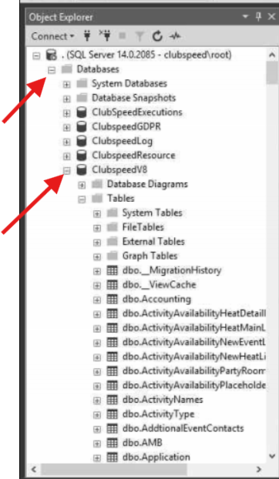
Once you find the table, right-click the table and select edit top 200/2000,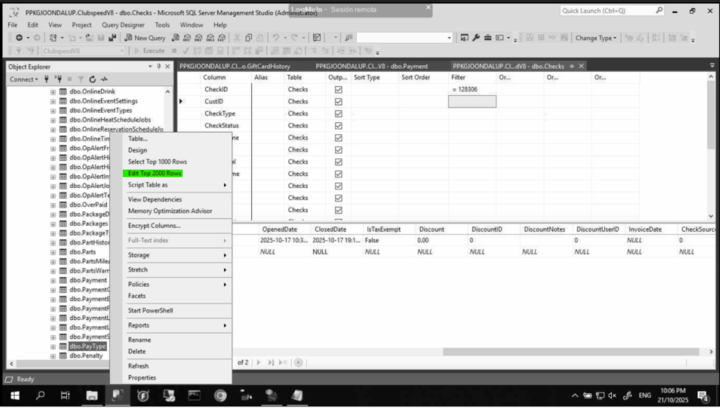
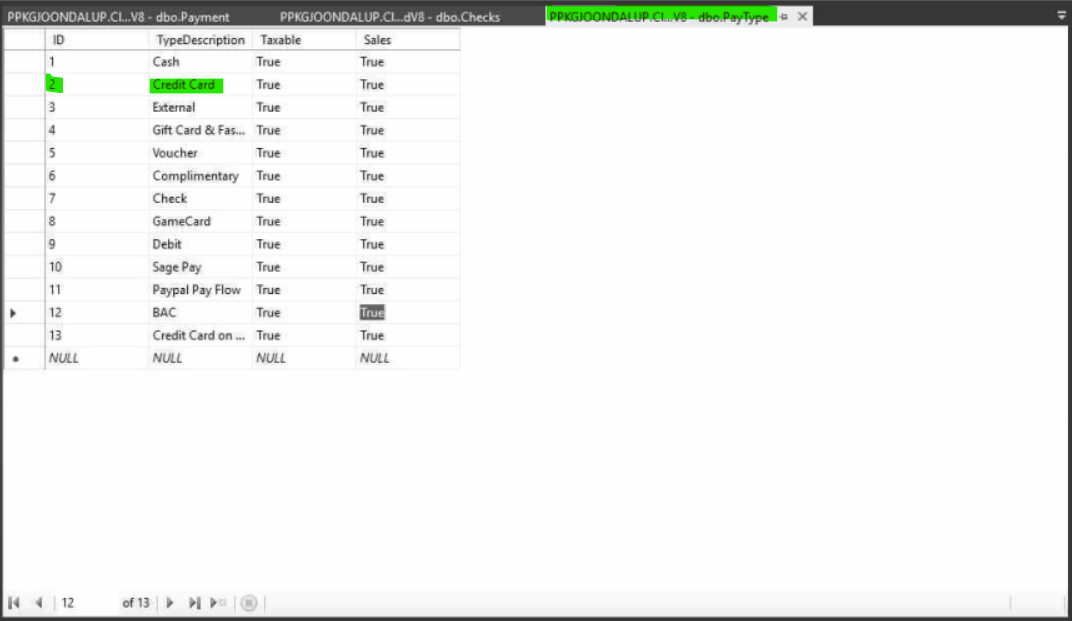
And you are done, there you will see all the pay types available in the database, and you can identify them with the ID. So if a pay type shows number 2, in this example on the image, it would be a credit card payment.