
Before You Start:
- Ask the customer for the guest’s email address.
- Ensure you have access to SendGrid.
Procedure:
- Log in to your SendGrid account.
- In the left-hand menu, click on Suppressions. This section will expand to display several options, including:
- Global Unsubscribes
- Group Unsubscribes
- Bounces
- Spam Reports
- Blocks
- Invalid
- Unsubscribe Groups
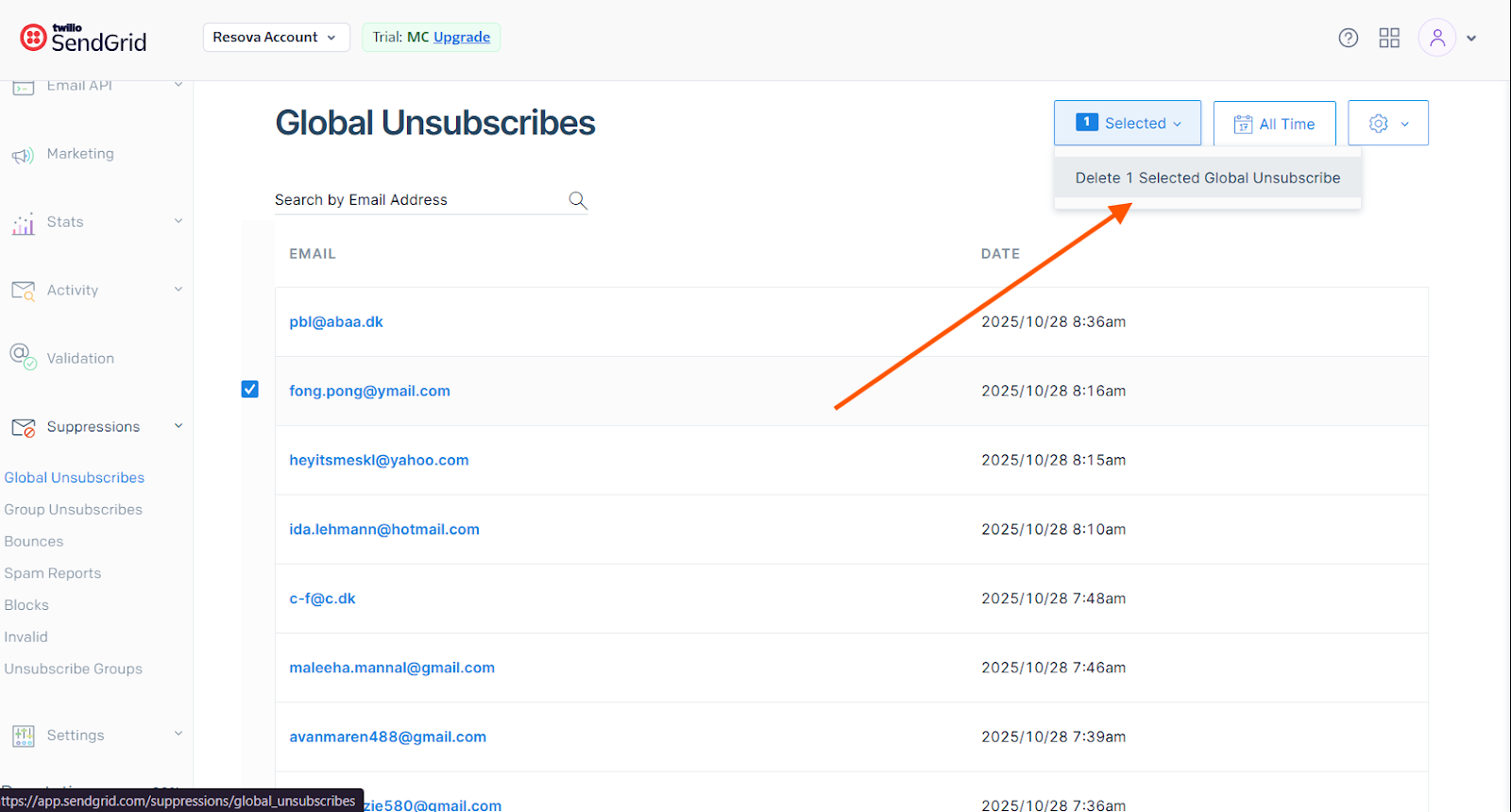
- Global Unsubscribes
- Click on Global Unsubscribes.
- Search for the guest’s email address to determine if it is listed in the global unsubscribe list.
- If the email is present and the customer approves, select the email. In the upper-right corner, click Delete to remove it from the Global Unsubscribe list.
Note: Always obtain customer approval before removing an email from the unsubscribe list.