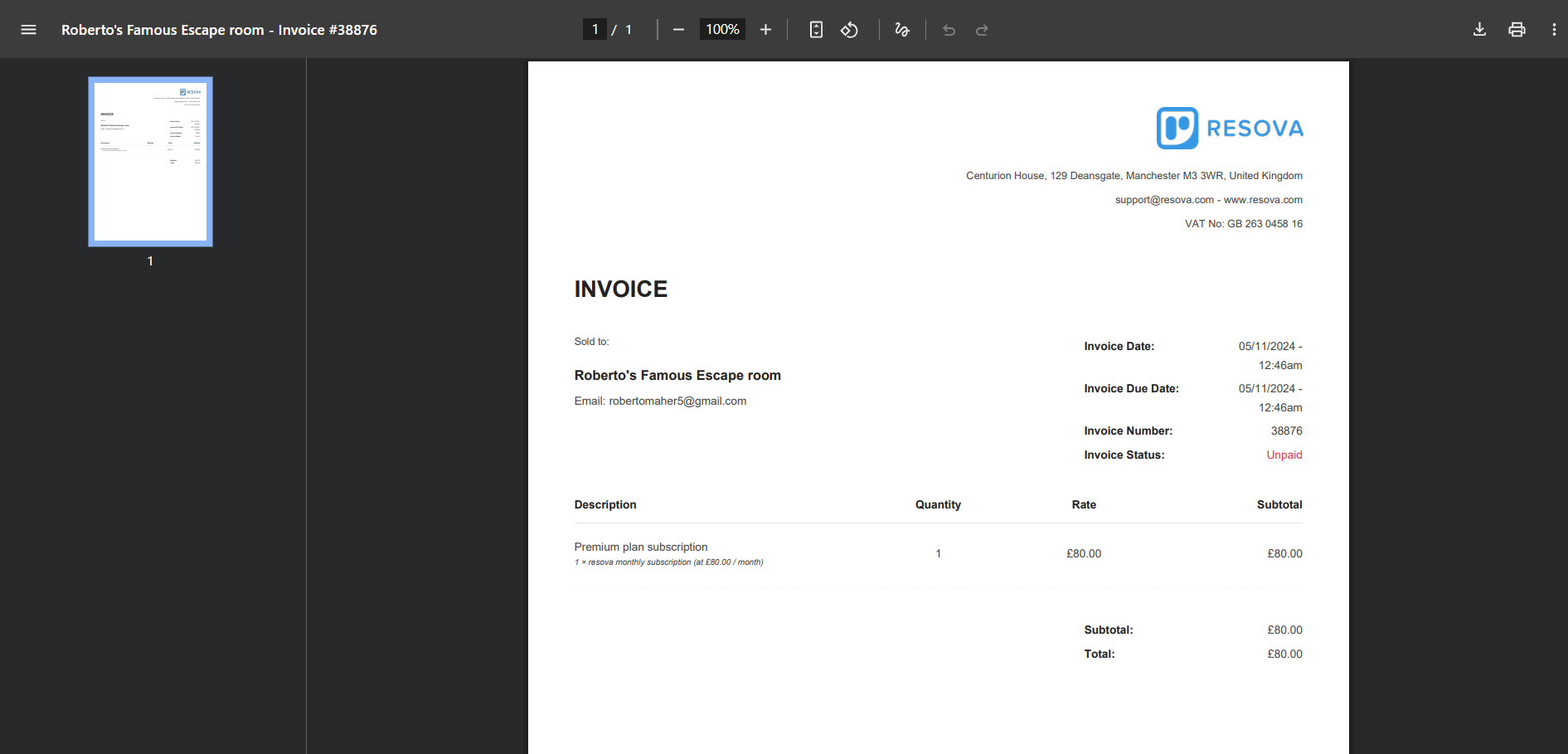
Usually, you can view a customer’s invoice by going to their account and selecting the eye icon in the invoice section..
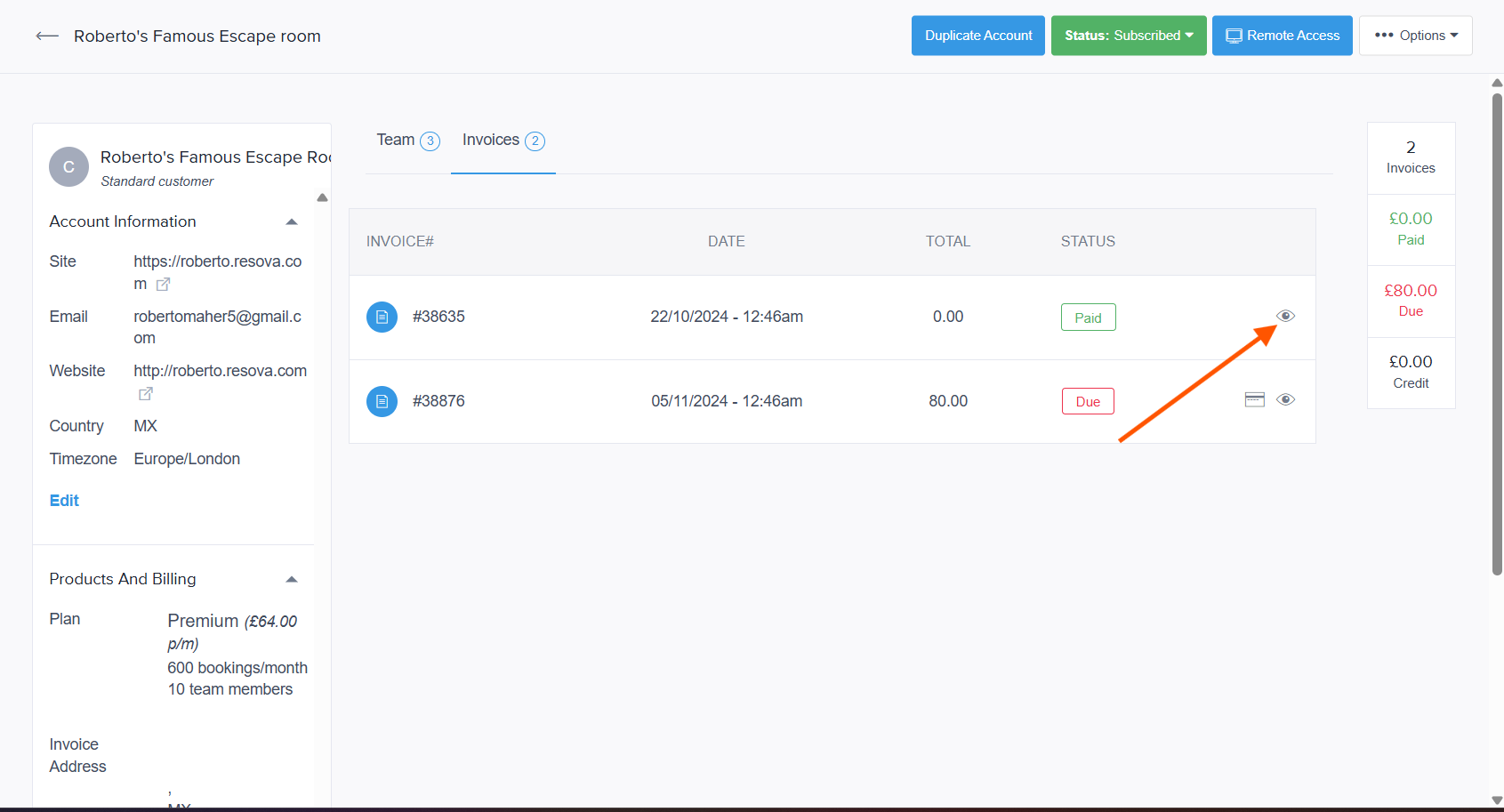
However, that option doesn’t work as expected—it redirects you to another page that isn’t helpful.
Here’s how you can easily get the invoice using the correct method.
First you need to Remote Access the customer's account,
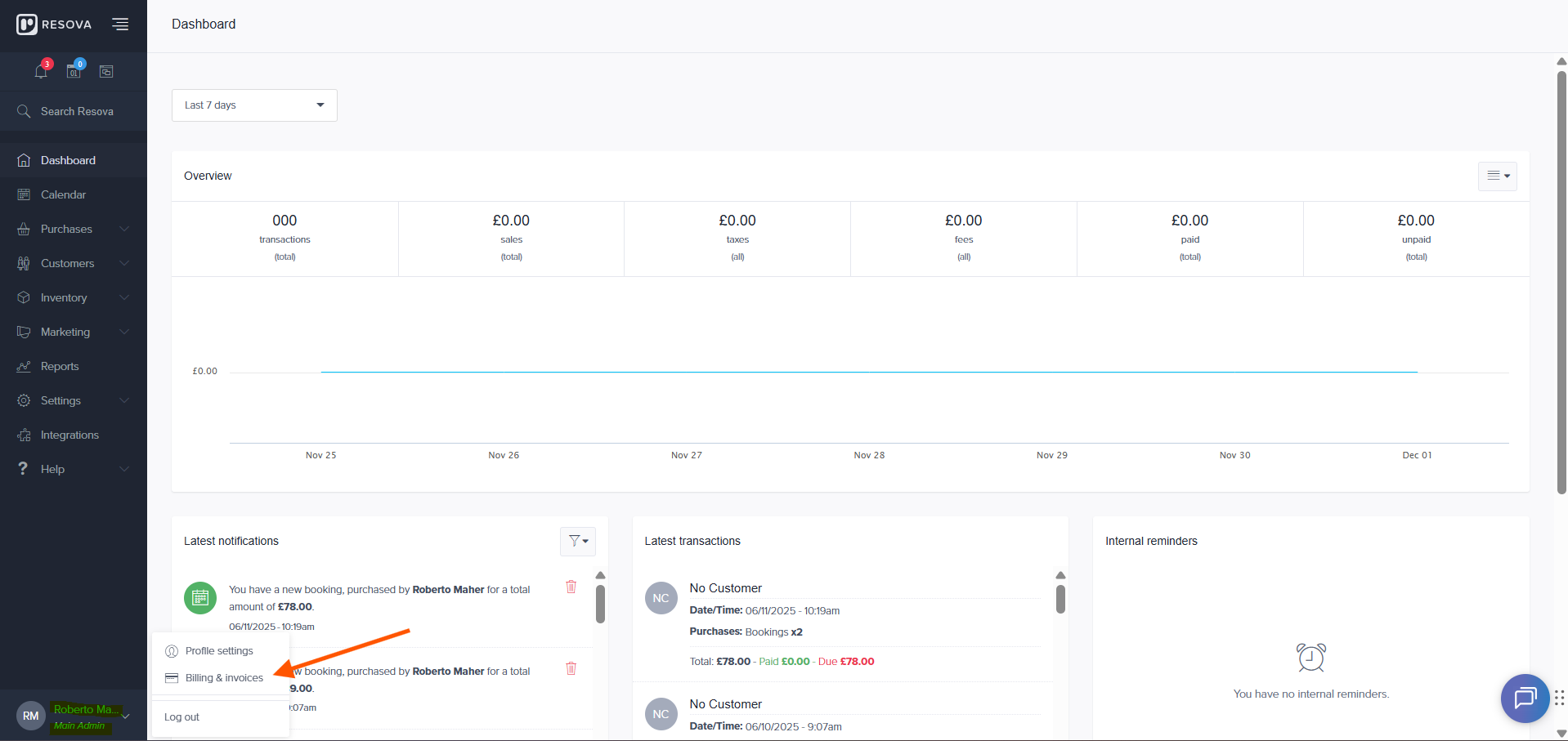
Now that you are inside the customer's account you need to navigate to the button left > click your user > Click billing and invoices.
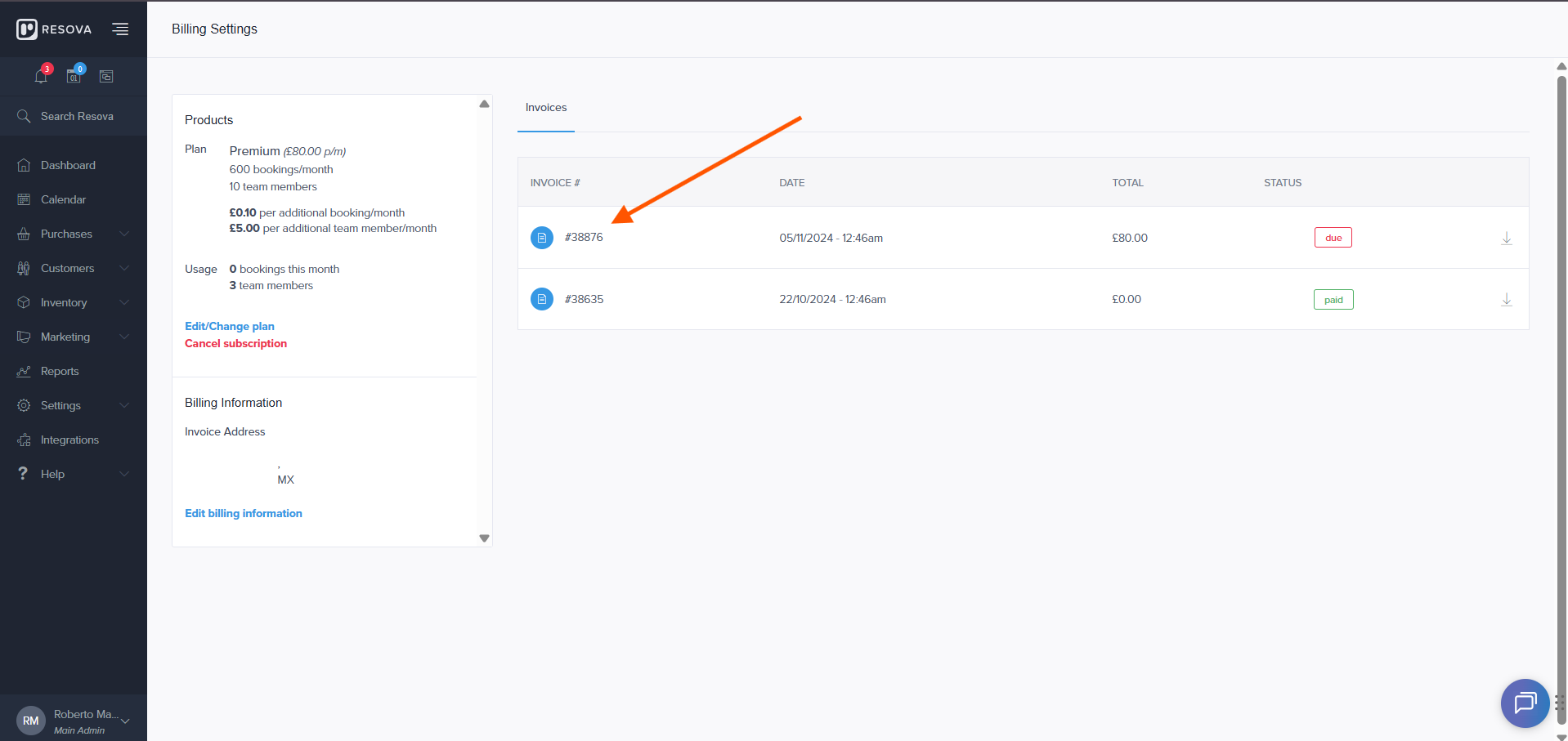
Click on the invoice you need and you are done! that is how you access an invoice. :D