What you need before creating an email template:
Customer email template that they want to add
The images the want to add
Navigate to the customers SP_admin portal> go to the Customers tab> click on send email (this will take you to the marketing email templates)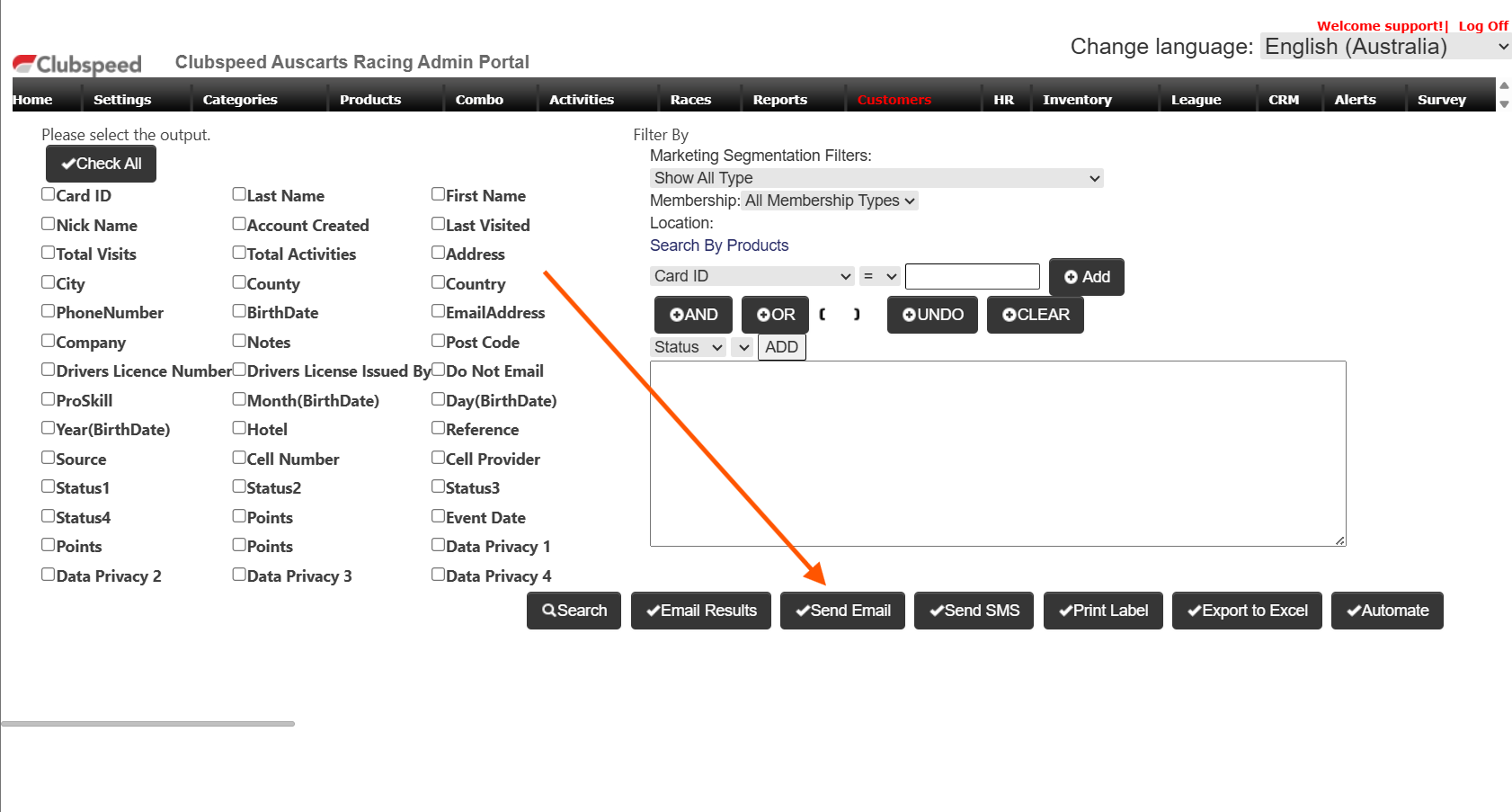
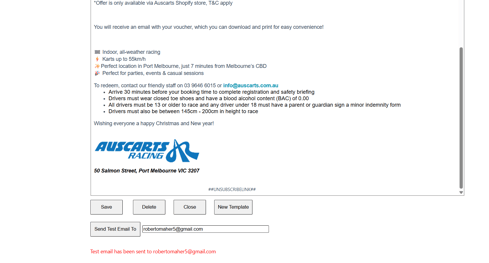
Once you have opened the template option, please navigate to new template to paste the template the customer has sent you, IMPORTANT!!! after creating a new template alway add ##UNSUBSCRIBELINK## this is the unsubscribe link for the guest.
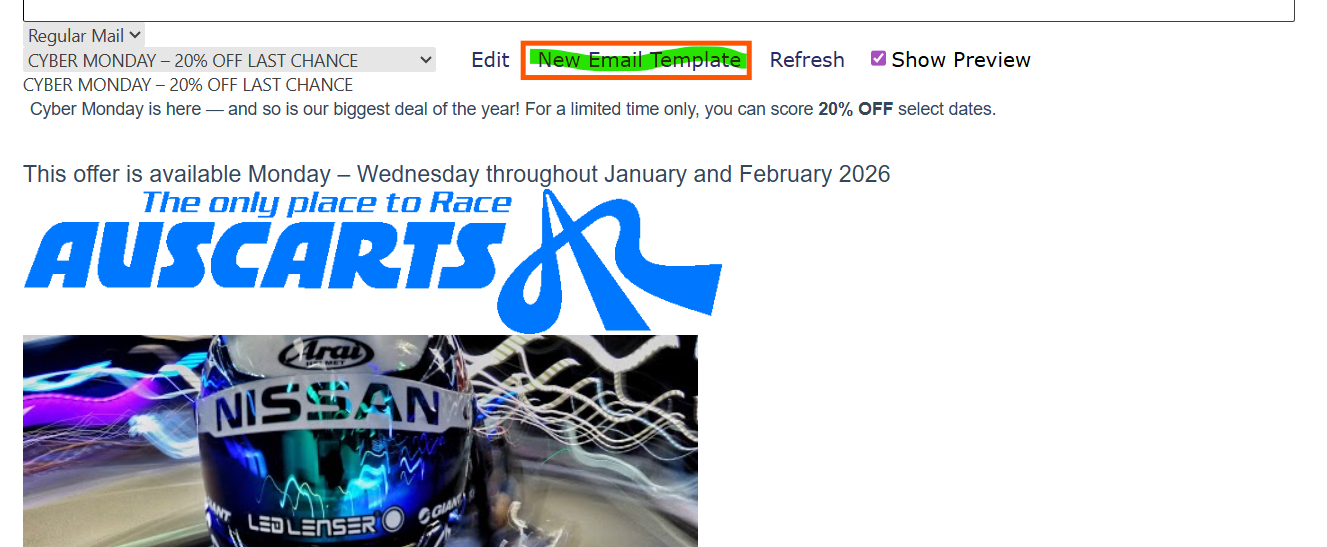
to add images to the email template please follow the KB below, After you added the images come back to the KB.
https://clubspeed.freshdesk.com/a/solutions/articles/47001202388
Once you have followed the instructions above, SAVE the email template,andsend yourself a test email, to review the completed template.