
- Open SQL
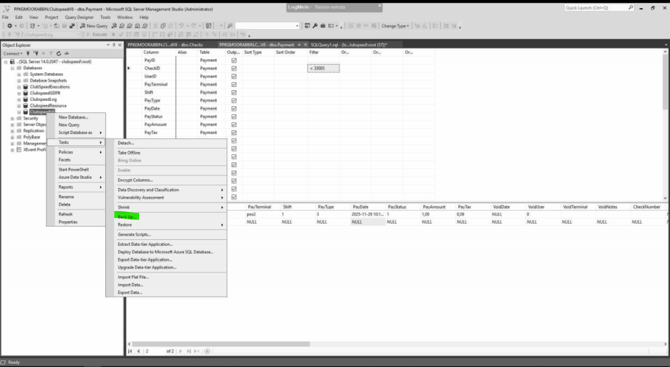
- Right click on the database you which to back up an go to Tasks > Back Up...
- Select the Disk radio button and press Add...
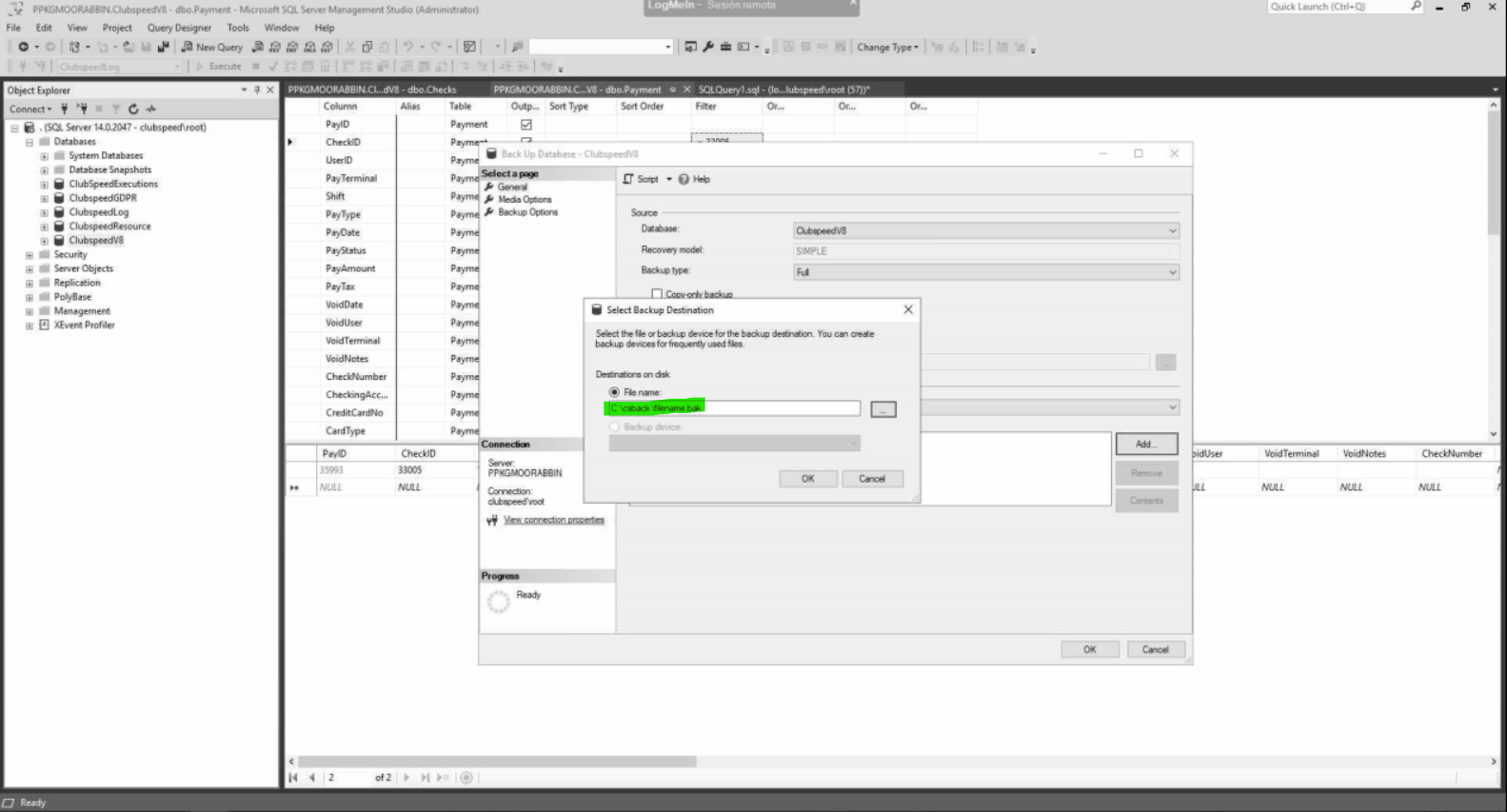
- In the File name field, enter: C:\csback\filename.bak
- Replace "filename" with a relevant name and the date/time
- Press OK
- Press Ok in the Back Up Database window
- Wait for the process to finish. Once it has finished go to the directory that you entered into the name field and ensure that the file is there.
- You have now backed up the database